
Imaginatron creative tools
AI logo generator
Use a written brand brief to explore logo directions. Describe the name, audience and visual style, generate concepts, then compare which idea is clear enough to develop. Imaginatron's logo generator is a starting point for design decisions you can continue refining.
Account required to use the tool. Review current access requirements and any token quote in the app.
Start with a brief that makes choices
A useful logo brief says what the business does, who the mark is for and where it will appear. Choose a visual direction such as a compact symbol, a simple monogram or a wordmark concept. Specific constraints help you compare results: a two-color mark for packaging has different needs from a detailed badge for a large poster. Keep notes on why a concept works before generating another variation.
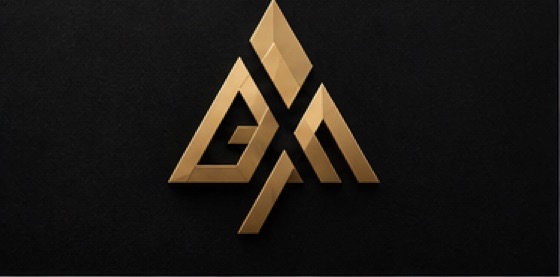
How to get started
Describe the brand
Open Logo Generator and explain the business, its name and intended audience. Include the main place you will use the mark, such as a storefront, an app icon or a product label.
Choose a visual direction
Describe the shape, style and colors you want to explore. Review the available options and token quote, then generate an initial set of ideas.
Evaluate and refine
Compare silhouettes, readability and how each concept looks at small size. Refine the most promising direction and check every letter before using the result.
A logo brief to adapt
Logo concept for a neighborhood bakery called Morning Loaf. A simple wheat symbol, warm brown and cream, flat shapes, readable at small size, intended for paper bags and a storefront sign.
Before you finish
Check the design in one color and at the smallest size where it will appear. AI lettering may need correction. Before adopting a mark, check its similarity to existing brands and confirm the file format meets your production needs.
Frequently asked questions
What should I include in a logo prompt?
Include the brand name, what the business does, its audience, the visual style and where the logo will be used. Describe any colors or symbols that are required.
Will an AI logo be unique?
Uniqueness is not guaranteed. Models can generate similar results for different people, so review a concept carefully and check for similar existing marks before adopting it.
Can I put the logo in a larger design?
Yes. Use the canvas editor to arrange an image with editable text and other design elements. Confirm the export suits the place where you plan to use it.
For billing and account questions, visit the help center or read the full FAQ.