Skia GPU Effects
21 SkSL shaders, color-matrix grades, curves LUTs and 29 blend modes. Grades preview at 60fps and export rasterized — not a fake overlay.
services/gpu-effects · 193 tests
 v1.0.0 · Build 1.0.0
All engines nominal
Expo SDK 56 · Hermes
v1.0.0 · Build 1.0.0
All engines nominal
Expo SDK 56 · Hermes
Free to download · iOS, Android & Web — Expo · React Native · Skia GPU
Generate images, video, 3D scenes and full designs — then actually edit them, on a real layered canvas and a real multi-track timeline. Fifty-five tools, one token wallet, no desktop required. GPU-graded, frame-accurate, built for phones.
Choose a style to get started
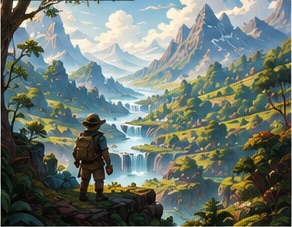 GeneralA versatile choice for everyday ideas.★ 25 cr
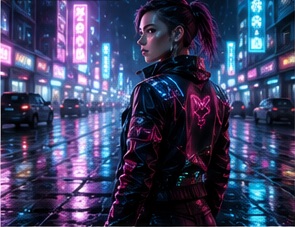 CyberpunkNeon atmosphere and cinematic contrast.★ 25 cr
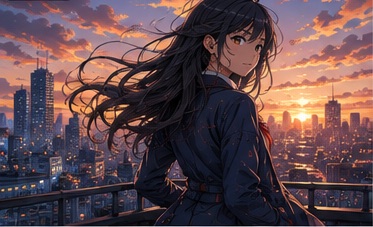 AnimeCrisp linework and vivid lighting.★ 25 cr
 3D RenderPolished materials and studio light.★ 25 cr
 LandscapesExpansive scenery with atmospheric depth.★ 25 cr
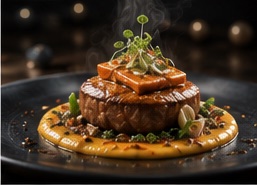 ProductClean commercial scenes and precise shapes.★ 25 cr
 CinematicFilm-like framing and dramatic light.★ 25 cr
 ArchitectureStriking structures and refined detail.★ 25 cr
 PortraitExpressive faces and polished lighting.★ 25 cr
Describe what you want to create…
Try it — pick a prompt and watch it run
Simulated walkthrough with real Imaginatron output — generation itself runs in the app on-device GPU + cloud.
Everything in the box — synced with the shipping app
Counts match the shipping build v1.0.0 · runtime 1.0.0 · Expo SDK 56 · Changelog
Under the hood — why this is not a prompt box
Imaginatron is not a wrapper around one model. It is a studio engine: a Skia GPU pipeline, a Filament 3D viewport, a unified layer tree and a real token ledger — all running on your phone.  The illustration itself is generated in-app.
21 SkSL shaders, color-matrix grades, curves LUTs and 29 blend modes. Grades preview at 60fps and export rasterized — not a fake overlay.
services/gpu-effects · 193 tests
PBR materials, 4 light types, camera rigs and keyframed motion clips in the viewport. AR places any generation at real scale on a real wall.
BlenderManualScene · react-native-filament
One Layer with hierarchy, masks, blend modes, clipping and track mattes. Flat array + parentId — no gaps, no stale caches.
src/features/layers · 147 tests
Every generation is ledgered. Cost preview before generate, automatic refund on failure, history graph and per-second video billing.
Token History · store PREMIUM_PLAN_CREDITS
Socket.io feed, push notifications per category, masonry discovery with pinch-to-zoom columns, remix with credit and prompt-sharing gates.
TanStack Query · Zustand · Socket.IO
React Native 0.85, Expo Router, MMKV, FlashList, Gesture Handler 2 + Reanimated 4, react-native-nitro-fetch for native fetch.
runtimeVersion 1.0.0 · OTA on-load
The illustration.png hero on the left ships inside the app bundle (assets/images). The site renders it here at identical color and crop so the landing page and the installed app are visibly the same product. The gold glows and aurora on this page are the app's palette, not a marketing recolor.
The problem
If the result isn't right, you re-roll the prompt and hope. There's no timeline, no layers, no way to fix one corner of the frame. Imaginatron gives you the generator and the studio — so the first result is a starting point, not a lottery ticket.
Inside the app
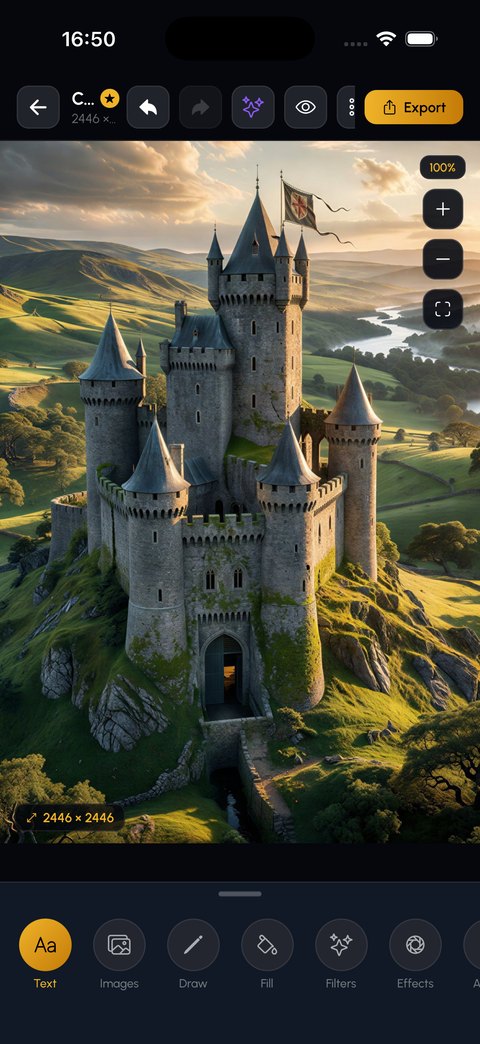
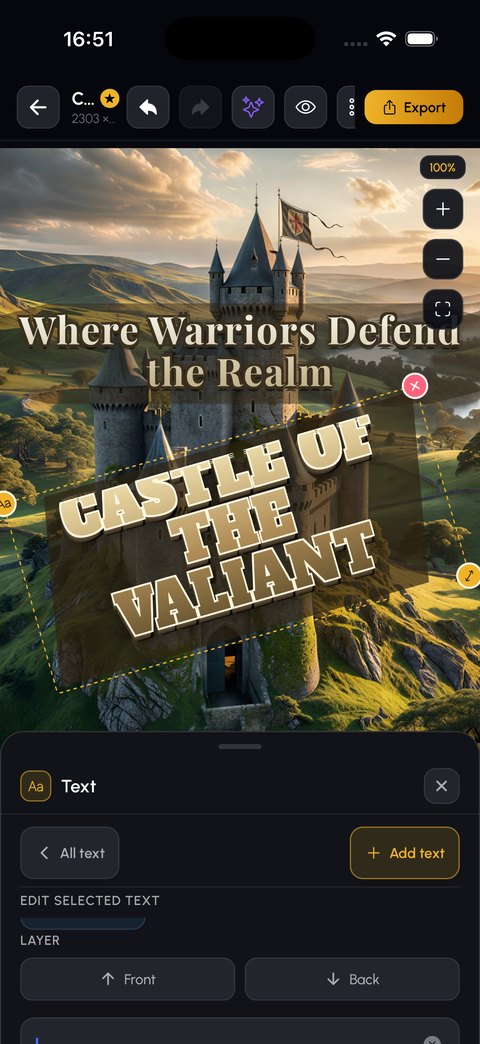
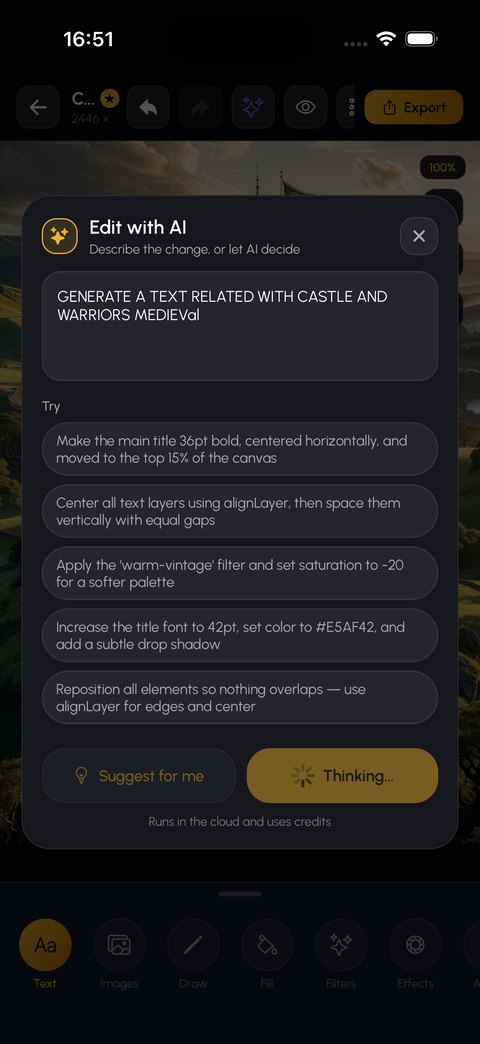
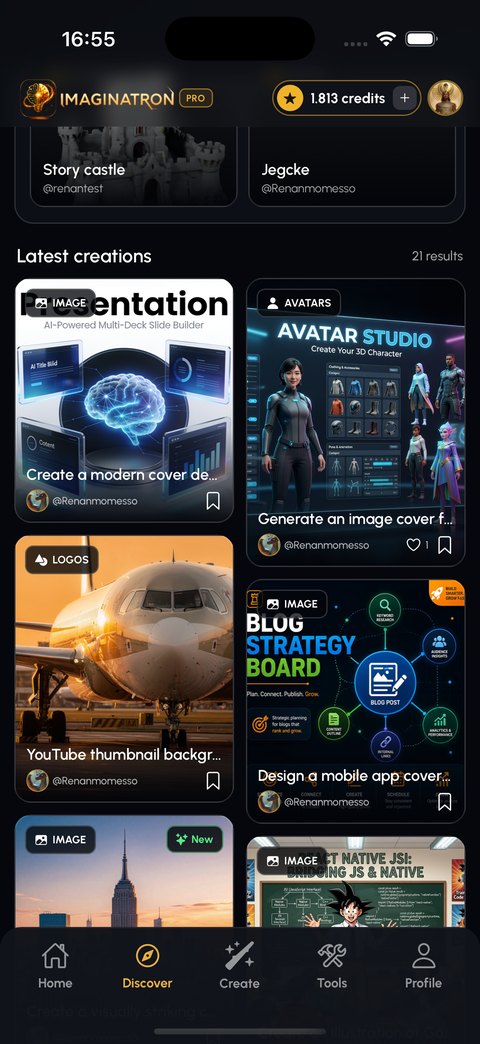
Screens from the shipping build v1.0.0, not mockups. Scroll through the generator, the canvas and the feed. Export from Expo SDK 56.
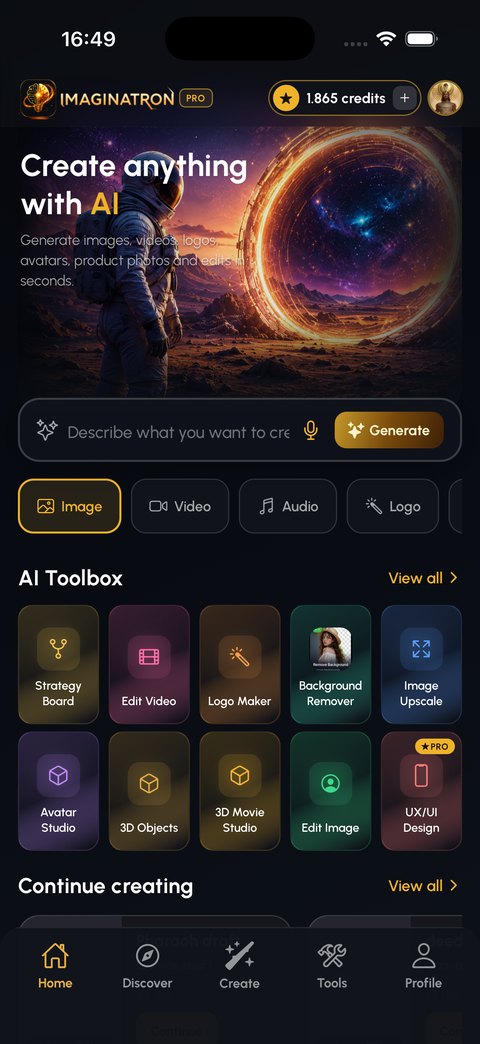
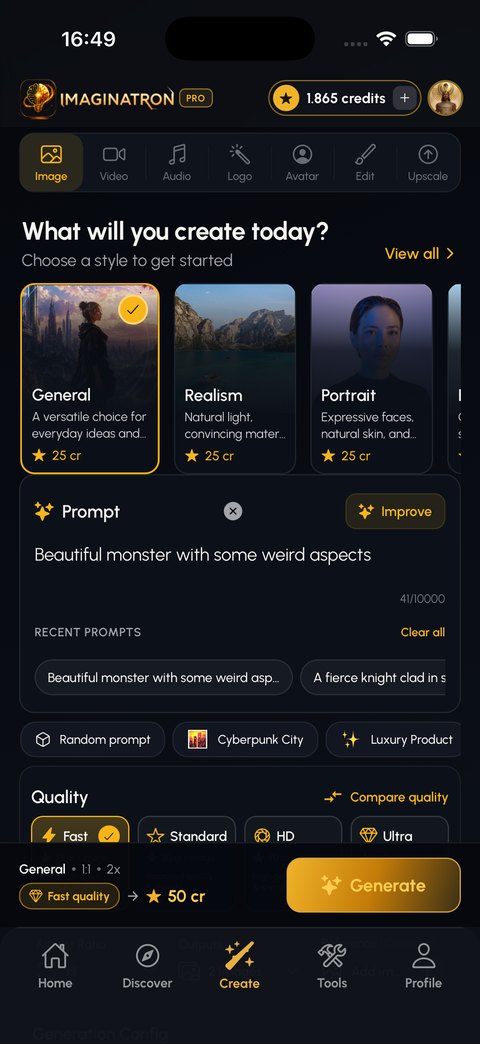
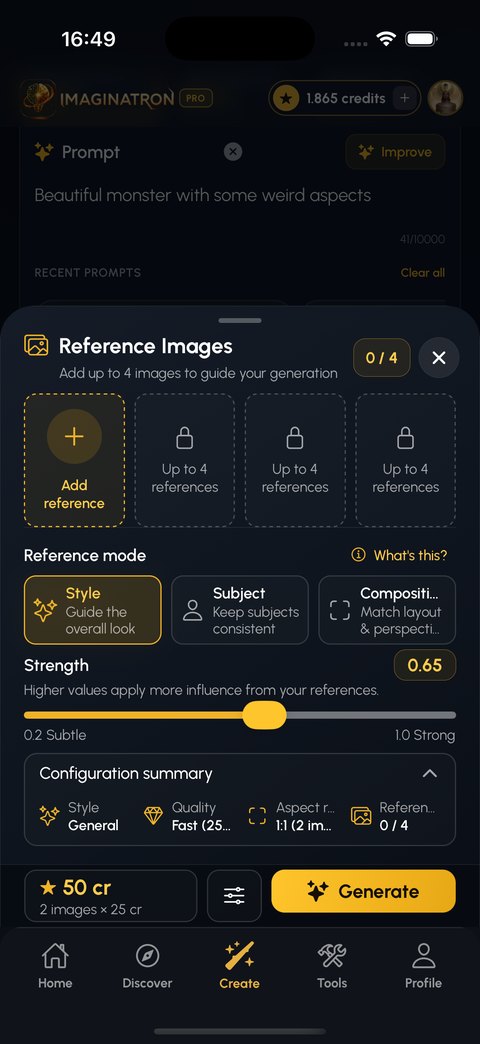
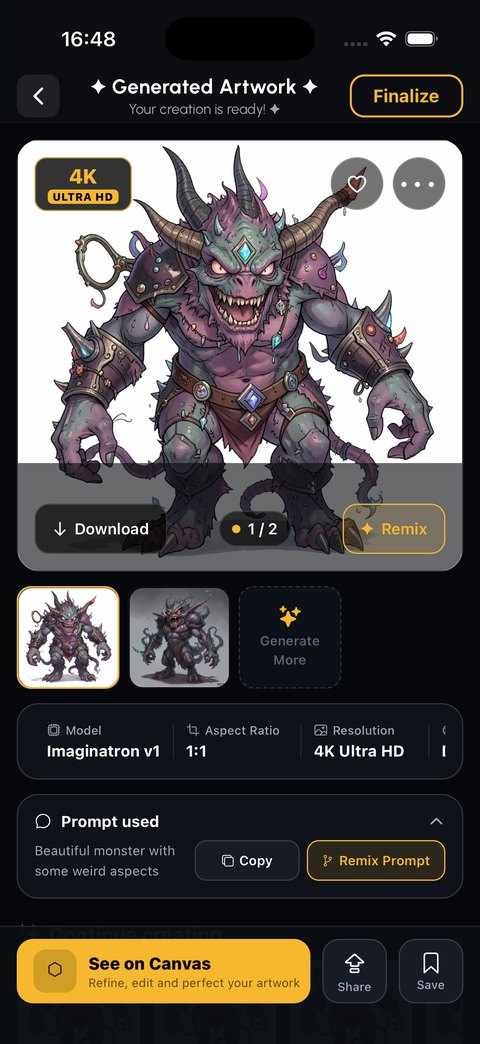
The video editor — Timeline, Skia, Filament preview
Trim, split and reorder clips. Add 3D transforms, keyframes and easing curves. Layer animated text, shapes and stickers. Duck the music under your voiceover automatically. Save the project and come back tomorrow. Every graded frame goes through the same Skia shader chain the canvas uses.
Segment-based overrides with ramp interpolation, and five easing curves — graph editor in 3D Movie Studio.
Crossfade, wipe, push, zoom and flip between any two clips, with easing-aware timing.
Blur, glow, vignette, grain, chromatic aberration and VHS — GPU-rasterized on export.
Music drops under narration on its own — no manual envelope. Voiceover + TTS co-exist.
Watch the 3-minute walkthrough · Editor shipped in 1.0.0
validate-export.ts
MMKV drafts · Reanimated 4 timeline

 Original
Background removed
Original
Background removed
Drag the handle. One tap cuts the subject out — hair strands and all — on stills or a whole clip. Cloud mask + local edge refine.
Same style cards, prompt bar and tier chips the hero phone shows — these are real app pixels, not a re-illustrated marketing variant.
3D & AR — Filament viewport · Viro AR · GLB pipeline
Build a scene, pose and light characters, animate a shot and render it — no workstation. Then hold the camera up and see your artwork on a real wall before you print it. Same BlenderManualScene powers the graph editor and the Video Editor handoff.
Scene composer, manual keyframe timeline, character performance panel and an AI scene planner — with bezier handles and loop A/B playback.
Persistent characters that stay consistent across image, video and 3D. Rig, stage, export — with motion generation jobs and revision tracking.
A description or a photo becomes a textured 3D model — swords, castles, houses, props. GLB in, GLB out.
Place any generated image on a real surface at real scale, and walk around it — @reactvision/react-viro, on-device.
The toolbox — 1:1 with the app's Home + Toolbox
A dozen below. All 55 live on the next page — same names, same icons, same routes as homeToolbox.ts and toolbox_services.ts. Tokens work across every one.
Generate images from a prompt across 15+ style models — realistic, cyberpunk, anime, fantasy, illustration, UI design.
/text-to-image — General Purpose 10 cr · Realistic 15 cr
Generate video straight from a text prompt using tiered video models (General 120 cr, Veo3 800 cr).
/ai-video · billed per second
Animate any still frame, with reference-frame support for consistency.
/image-to-video
Edit video by chat. Every edit becomes a new version you can go back to.
/(video-chat) — added Sep 2026
Schedule recurring generations that run without you — notifications when done.
/(automation) — added Sep 2026
Turn one long video into multiple viral-ready shorts with AI.
/(short-generator) — added Sep 2026
Browse the full 55-tool catalog See what's new
Names match the app exactly: homeToolbox.ts · toolbox_services.ts · constants/. New since 1.0.0: Automation, Chat Video Editor, Short Generator, 2D Animation, Community Gallery.
Release notes — synced with git
No marketing timeline — the real commit history, grouped into shippable versions. Every line below maps to a feature you can open in the app today.
The build on this page. Token ledger + Premium paywall final.
Price update, bundle cuts, CI + safety.
The foundation for Photoshop/AE parity.
From solo tool to studio suite.
Spec sheet — same as app.json
Bundle identifier, scheme, runtime and OTA policy are identical on the site and in the store binary — so the docs never drift from the shipped app.
| Field | Value |
|---|---|
| App | Imaginatron · imaginatron · imaginatron:// |
| Version | 1.0.0 · runtimeVersion 1.0.0 · OTA on-load |
| Bundle | com.renanmomesso.imaginatron · iOS + Android |
| SDK | Expo 56 · React Native 0.85 · Hermes · RN Nitro Fetch |
| Build | EAS · expo-updates https://u.expo.dev/87304… |
| Store price | Free · IAP via RevenueCat · premium_monthly $19.99 |

Above: home_image_future.png from assets/images — the onboarding illustration. Below the fold the app shows it full-screen on first launch; the site shows it here so the two surfaces match.
Workflows
Guided runs that chain the right tools together in the right order — including the newest: Automation and Shorts.
Community — live from the app's feed
Browse what other people are making, follow the creators whose work you like, and remix anything they've published. Every remix credits the original, and the prompt travels with it when the author allows. The site's Community Gallery is the same masonry feed, driven by the live API.
discover.html renders real creations — tiles above are a static fallback when the API is unreachable.
Privacy — 11 switches, not one toggle
New creations can default to private. You choose whether your prompts are visible, whether others may remix or download your work, whether you show up in search, and whether your usage feeds analytics or recommendations.
Public, followers-only, or fully private.
New generations start unlisted. Publishing stays deliberate.
Two separate switches. Off means off.
Turn off usage analytics and personalized recommendations — same toggle the app stores in settings.
Questions — from the app's Help center
An AI creative studio for phone, tablet and web (Expo SDK 56, React Native 0.85, Hermes). It generates images, video, 3D models and scenes, logos, presentations and storybooks — and gives you a layered canvas editor and a multi-track video timeline to finish the work, plus a community feed to publish it to.
The app is free to download and you start with a token balance. AI generations consume tokens. Browsing the feed, editing on the canvas and timeline, exporting, and everything social are free.
Every AI generation costs tokens, priced by how much compute it takes. A Fast image costs 25 tokens; an Ultra image costs 150. Video starts at 300 tokens for a Fast 5-second clip. You always see the exact cost before you press generate. Packs: tokens_550 $5.99 → tokens_45000 $349.99. Premium grants are 20k/mo, 50k/quarter, 210k/year + 150/day floor.
Every release is listed on the Changelog page with real commit messages grouped by version — from the first TestFlight canvas editor to the Automation and Short Generator builds shipping now.